Google is working on a new Android PC that will run on the Android operating system, just like smartphones and tablets. It will likely have different versions, with prices starting around ₹30,000. The device may come with good storage, memory and a powerful processor to handle daily tasks.
Google aims to bring the Android experience to desktop users through this product. This idea comes from the growing use of Android around the world. Many people are familiar with Android because they use it on their phones. Using the same system on a computer makes it easier for some people to switch between devices. It also shows how Android can work on more than just mobile phones.
Android PC Price, Meaning, Specs, Launch date in India by Google
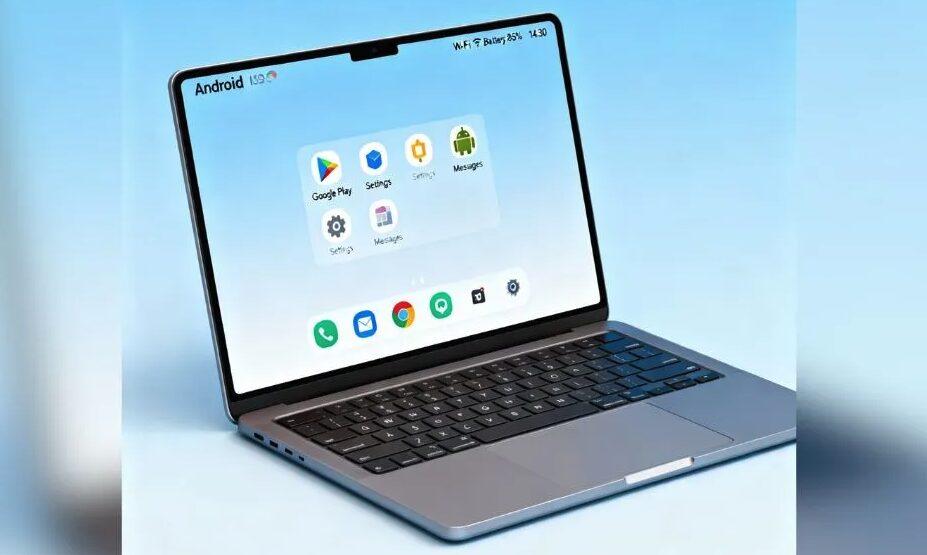
An Android PC is a computer that uses the Android operating system. Android is a system that was first made for mobile devices like smartphones and tablets. Over time, developers started using it on computers too and as people started to ask, Is there a PC version of Android and thats when its launched. When Android 16 runs on a computer, it is called an Android PC.
The development of Android PCs is part of a larger move in technology where operating systems are used in new ways. Instead of only using Android on phones, people have found ways to use it on bigger devices. This helps show how flexible and wide-reaching Android has become.
When is Android PC launched in India?
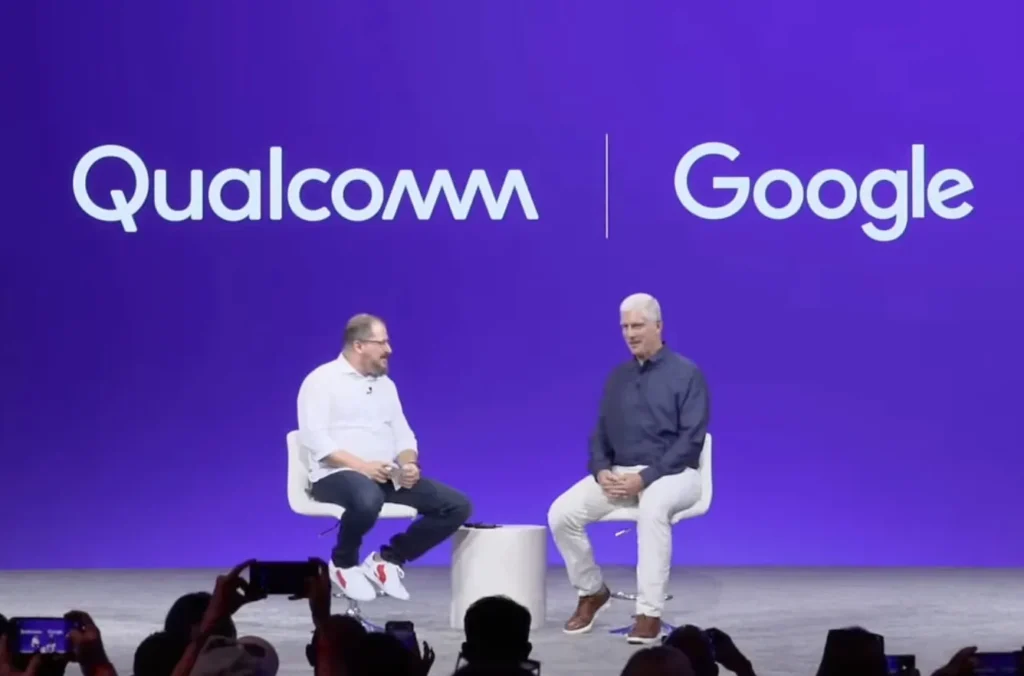
Google has confirmed that its new Android PC, a unified operating system combining Android and ChromeOS, will launch globally in 2026. This announcement was made during Qualcomm's Snapdragon Summit, where both companies highlighted the integration of Google Nano Banana AI and the full Android AI stack into the new platform.
While the exact launch date for India has not been specified, Google's growing presence in the country, including direct online sales of Pixel devices and plans for physical retail stores, suggests that the Android PC will be available in India shortly after its global release.
Android PC Price (expected after launch)
While official figures are yet to be announced, considering Google's pricing strategy for devices like the Pixel series in India, the Android PC is expected to be competitively priced to cater to the Indian market. The exact pricing will depend on factors such as hardware specifications and local market conditions similar to OnePlus Pad 3 which can now be used as a semi-laptop. The expected price is at Rs.30,000 INR to Rs.35,000 INR as the new product is similar to that of a Windows 8GB/512 GB laptop.
Android PC represents a significant step in Google's strategy to expand its ecosystem into personal computing platforms, offering users a seamless experience across mobile and desktop devices.
What are the features of Android PC 2026 launch version?
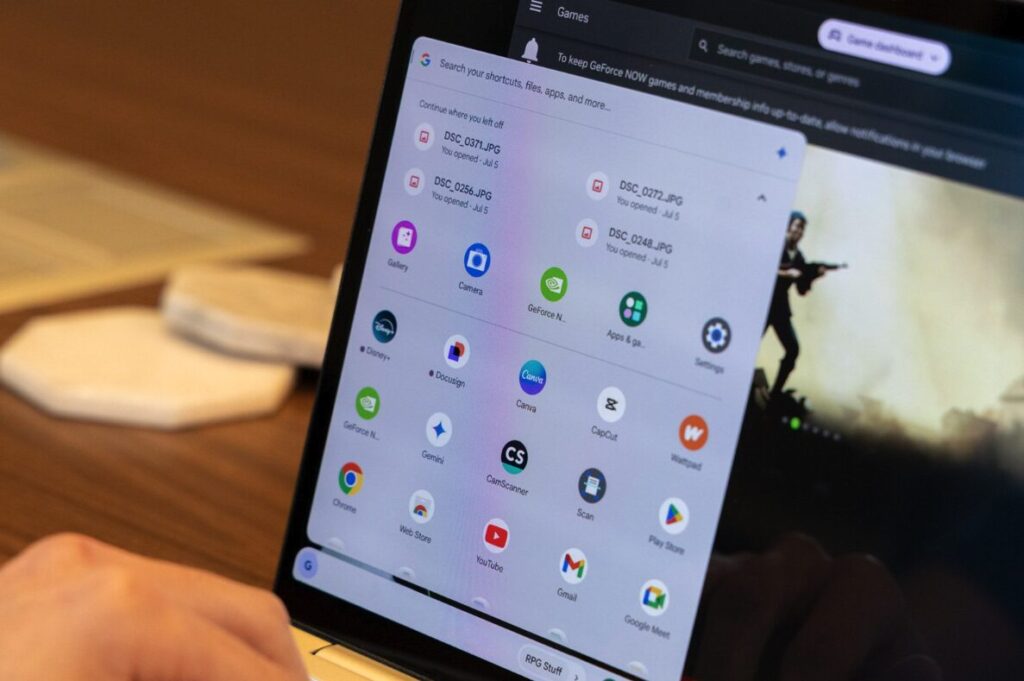
While specific details are still forthcoming, the Android PC is expected to offer a seamless experience across mobile and desktop computing systems. It will feature Google's AI, Gemini, Gboard writing tools with AI and the full Android AI stack, alongside all Google applications and developer support. This integration aims to deliver enhanced productivity on laptops while ensuring seamless integration across the Android ecosystem.
The collaboration with Qualcomm suggests that the Android PC will benefit from Qualcomm’s recently launched Snapdragon X2 Elite and Elite Extreme chips, which are touted as some of the most power efficient for Windows PCs. This partnership indicates a strong emphasis on performance and efficiency in the upcoming Android PC.
Using an Android Emulator to Run Android on a Windows PC
An Android emulator is a software program that allows you to run the Android operating system on a computer. Instead of needing an Android phone or tablet, you can use an emulator to open and use Android apps right on your PC. This is useful for people who want to try mobile apps on a bigger screen or developers who want to test their apps before releasing them.
Using an emulator is simple. After downloading and installing the software, you can search for apps from the Google Play Store and use them as if you were on an Android phone. The emulator also lets you use your keyboard and mouse to control apps, translate WhatsApp chats and customise keyboard making it easier for some games and tools.
The emulator works by creating a virtual Android device inside your computer. It copies how Android runs on real devices, so apps behave the same way. Popular Android emulators include BlueStacks, NoxPlayer and Android Studio’s built-in emulator.
While emulators are great for running Android apps on a PC, they may not be as fast or smooth as a real Android device. Still, they provide a convenient way to access Android apps without needing a phone. Android emulator is a helpful tool that brings the Android experience to your computer by simulating an Android device on your PC.
Difference Between Windows PC and Android PC Explained
A Windows PC uses the Windows operating system made by Microsoft. It is designed for desktop and laptop computers. Windows PCs can run many types of software, like office programs, games and professional tools. They have a desktop screen with icons, a taskbar and support many kinds of hardware and devices.
An Android PC runs on the Android operating system, which was first made for phones and tablets. Instead of programs, it mainly uses apps from the Google Play Store. The Android system is simpler and often works well with touch screens. It usually has an app based interface, not a traditional desktop.
The main difference is the type of software each uses. Windows PCs run full desktop programs with many features. Android PCs run mobile apps, which are usually lighter and simpler. Also, Windows PCs often need stronger hardware, while Android PCs can work on devices with less power. Windows PCs are for traditional computer use with strong software, while Android PCs bring mobile phone software to a computer like device.
The Future of Computers with Android OS PC
Android PC is a new idea that brings the Android system, mostly used on phones and tablets, to desktop computers and laptops. This change shows how technology is growing and how people want easier, faster ways to use their devices. With Android OS based PC, users can enjoy their favorite mobile apps or Gemini AI Prompts like Saree trend on a bigger screen with a keyboard and mouse. This could make using a computer feel more familiar and simple for many people.
While Android operating system based PCs may not replace traditional computers soon, they open new doors for how we use technology. With companies like Google and Qualcomm working together, the Android PC experience is expected to improve and grow over time. Overall, Android desktop PCs and laptops represent an exciting step toward blending mobile and desktop computing, making technology easier and more accessible for everyone.
Comments
Post a Comment